Python Course for Class 7 Students
A project-based 36-week, 72-session Python programming curriculum for Class 7 students, progressing from clear coding foundations to a working year-end application.
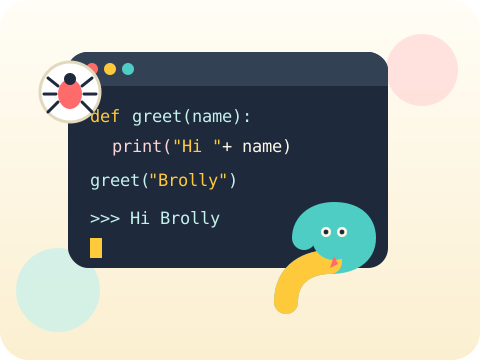
Quick answer
The Class 7 Python program provides two one-hour coding sessions per week for 36 instructional weeks. Every module combines concepts, guided practice, debugging and a project, so learners develop working Python skills rather than merely replicating code.
9 modules × 8 sessions = 72 guided sessions
Select any module to read the full explanation—the big idea, the concepts unpacked, the session-by-session plan and the project students build.
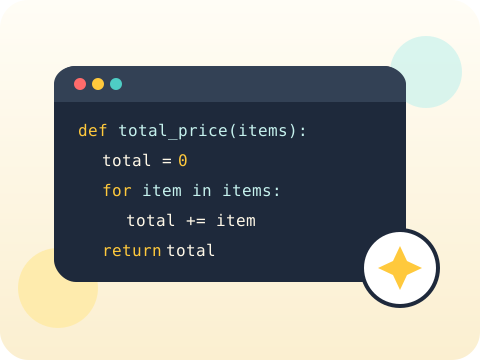
Python Foundations Refresh
A quick tune-up before the engine gets bigger.
- Data types
- Input and output
- Readable code
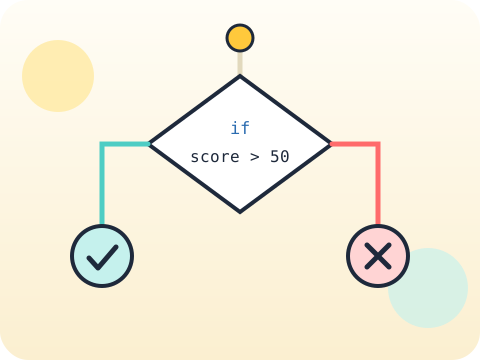
Logic and Validation
Real users type strange things. Good programs expect it.
- Nested conditions
- Input validation
- Logical operators
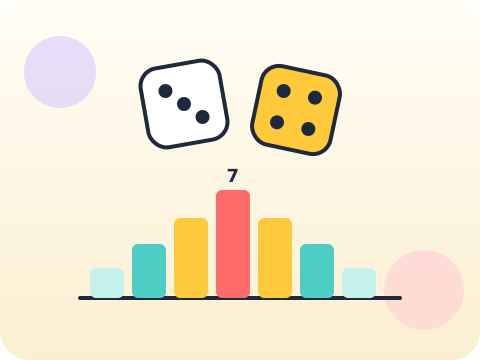
Loops and Simulations
Roll a dice six times and anything can happen. Roll it six thousand times and mathematics shows up.
- Nested loops
- Counters
- Random simulation
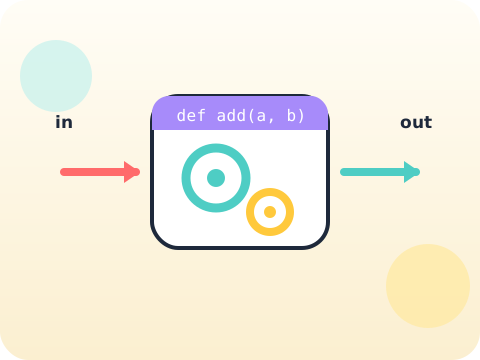
Functions and Scope
Every function is a promise: give me this, and I will give you that.
- Parameters
- Return patterns
- Local scope
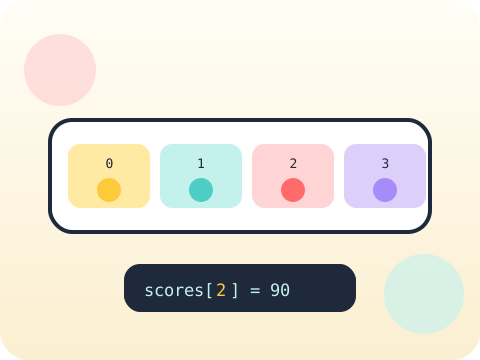
Lists, Tuples and Dictionaries
Different jobs need different containers. Choosing well is half the solution.
- Collection selection
- Nested data
- Updates
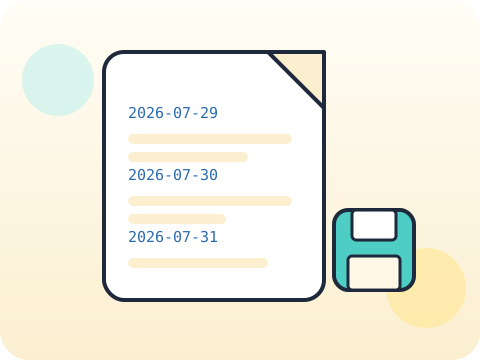
Text and Files
Close the program and the data vanishes — unless you wrote it down.
- String methods
- Reading and writing text
- Simple records
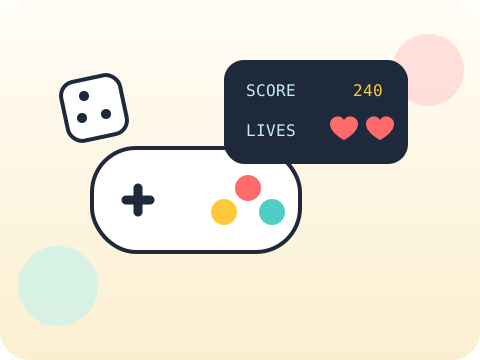
Building Better Games
Anyone can make a game. Making one that stays fun is a design problem.
- Game states
- Levels
- Scoring systems
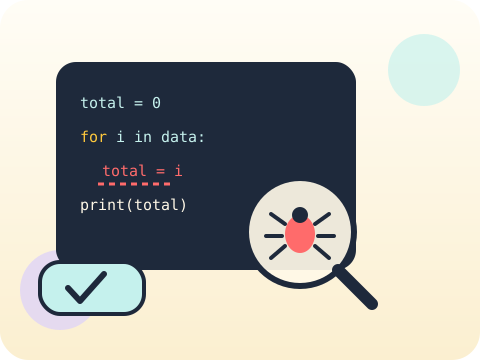
Errors and Testing
Errors are not failure messages. They are the computer telling you exactly where it got confused.
- Tracebacks
- Exception handling
- Test cases
Class 7 Capstone
Build something a real person would actually use.
- User stories
- Building
- Peer testing
Year-end outcome
A project the student can explain—not just display. By the end of the year, students can:
- Define the problem or learning goal
- Document important decisions and changes
- Test the output and correct issues
- Present the work and answer questions
Assessment approach
Progress across skills, projects and reflection. Reviews consider understanding, application, originality, accuracy, safety, debugging or verification, and the student's ability to explain their work.
- Module practice and mini-projects
- Mid-year review checkpoint
- Portfolio documentation
- Final capstone demonstration
What families and schools ask
Is this Python curriculum suitable for a Class 7 beginner?
How many Python sessions are included?
Will students build real projects?
Does my child need a laptop?
Your child's free trial is one message away.
Tell us your child’s class and what they enjoy. We will suggest the closest program fit—no pressure and no upfront payment.