User needs
User needs come first and are established by research, not by assumption about what would be impressive.
The model is the easy part. The interface is where products succeed or fail.
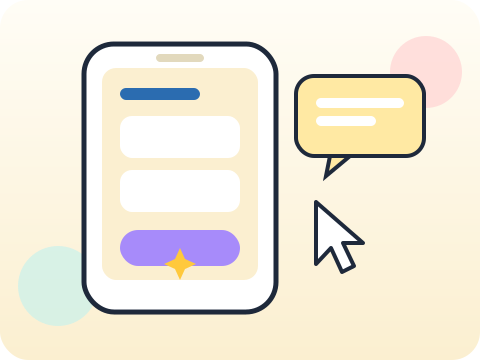
Students design an AI product from user needs, decide which features genuinely warrant AI, prototype the interface, and improve it based on what testers actually do.
Product thinking is what turns technical capability into something people use. It is the rarer skill of the two.
Three core ideas, each taught with worked examples and then practised until it feels obvious.
User needs come first and are established by research, not by assumption about what would be impressive.
Feature design decides where AI genuinely helps and where a simple button is better — and it usually is.
Prototype feedback comes from watching testers, then changing the design rather than explaining it.
Products often fail not because the AI was weak but because users could not tell what the system was doing or why.
“Add AI and it is better.” Unnecessary AI adds latency, cost and unpredictability to something that worked fine.
Sessions 41–48 of the 72-session year, at two one-hour sessions per week.
Where this module fits, what you will build, and a hands-on starter that gets everyone curious about user needs.
Guided teaching on user needs, worked through together with the teacher.
Independent practice, small challenges and one deliberate mistake to diagnose.
Guided teaching on feature design, building directly on the previous two sessions.
Applied tasks that combine user needs and feature design in one piece of work.
Prototype feedback introduced and practised, completing the toolkit needed for the project.
Guided build session for the module project: Clickable AI product concept.
Finish, test against the checklist, present the work and explain the decisions behind it.
Every module ends with something the student built themselves and can demonstrate. This is the piece that goes into their portfolio and gets explained out loud at the end of session 48.
List your features and mark each as “needs AI” or “does not”. Be honest — most will not.
Students finishing Module 6 can:
The vocabulary introduced here, in plain language:
6 quick questions drawn from this module — vocabulary, the project you build, and a myth-or-fact round. Every wrong answer explains itself, so a mistake still teaches you something.
Tell us your child’s class and what they enjoy. We will suggest the closest program fit—no pressure and no upfront payment.